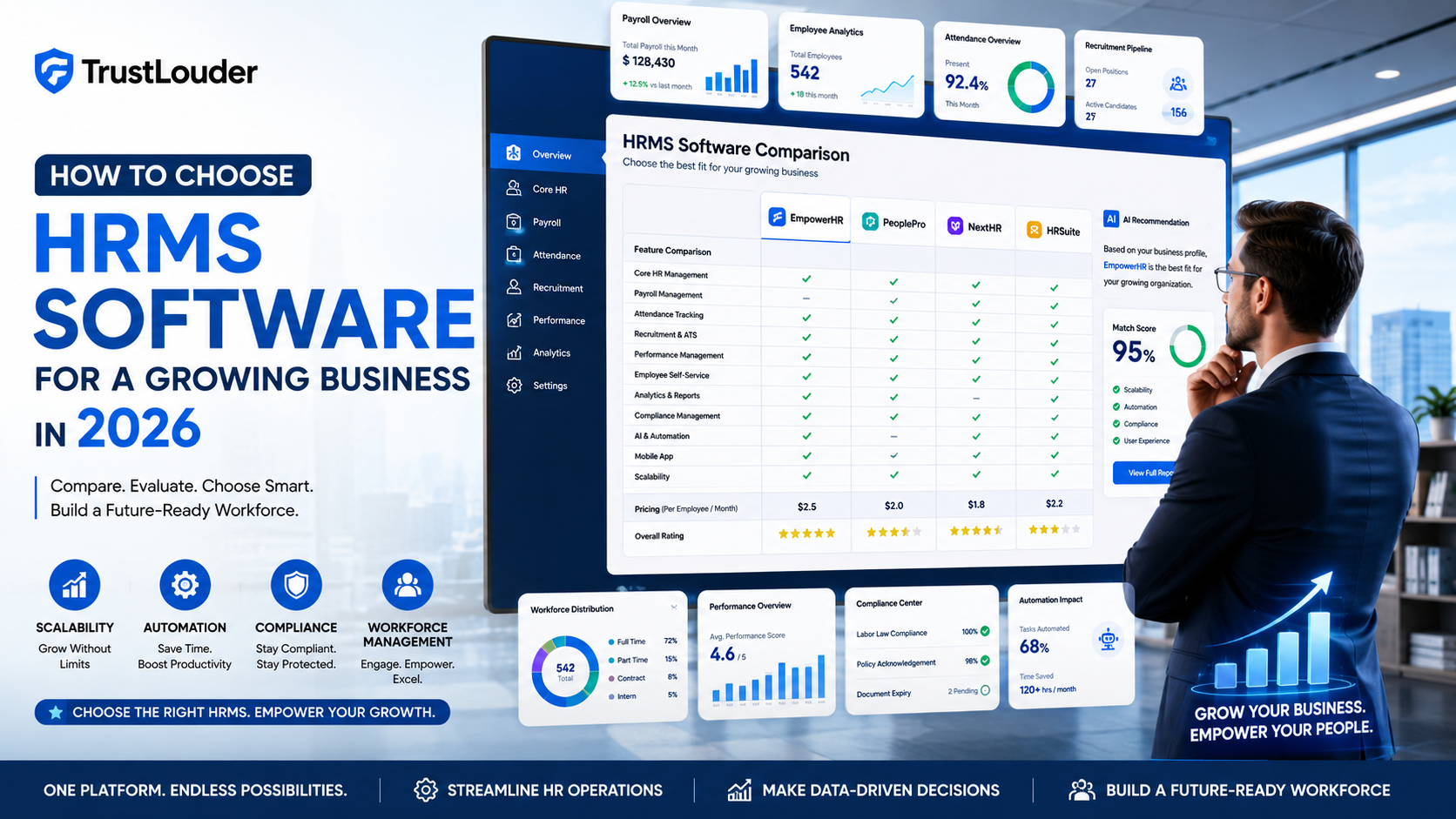
As businesses grow, managing employees becomes increasingly complex. What starts as a simple spreadsheet for attendance, payroll, and employee records can quickly turn into a time-consuming process that affects productivity and compliance.
This is why more organizations are investing in Human Resource Management System (HRMS) software. A modern HRMS Software helps businesses automate HR operations, improve employee experiences, and make data-driven workforce decisions.
However, with dozens of HRMS solutions available in the market, choosing the right platform can be challenging.
In this guide, we’ll explain how to choose HRMS software for a growing business in 2026, the essential features to look for, common mistakes to avoid, and how to ensure your investment supports long-term business growth.
What is HRMS Software?
HRMS (Human Resource Management System) software is a centralized platform that automates and manages HR processes such as:
- Employee data management
- Payroll processing
- Attendance tracking
- Leave management
- Recruitment and onboarding
- Performance management
- Compliance monitoring
- Workforce analytics
Instead of handling multiple HR tasks through separate tools, businesses can manage everything from a single dashboard.
Why Growing Businesses Need HRMS Software
Many companies delay investing in HR technology until administrative tasks become overwhelming. Unfortunately, this often results in payroll errors, compliance issues, and poor employee experiences.
A reliable HRMS can help businesses:
- Reduce manual HR work
- Improve payroll accuracy
- Streamline attendance tracking
- Ensure statutory compliance
- Improve employee engagement
- Support workforce expansion
- Increase operational efficiency
For growing businesses, HRMS software is no longer a luxury—it’s a necessity.
Key Factors to Consider When Choosing HRMS Software
1. Understand Your Business Requirements
Before evaluating software vendors, identify your organization’s specific HR challenges.
Ask yourself:
- How many employees do you currently manage?
- How fast is your workforce growing?
- Which HR processes consume the most time?
- Do you need payroll automation?
- Are compliance requirements a major concern?
Creating a list of priorities helps narrow down software options and prevents overspending on unnecessary features.
2. Prioritize Scalability
One of the biggest mistakes growing businesses make is choosing software that only meets current requirements.
The ideal HRMS should support:
- Workforce expansion
- Multiple office locations
- Department growth
- New HR processes
- Additional integrations
Choosing scalable software reduces the need for costly migrations in the future.
3. Evaluate Payroll Capabilities
Payroll remains one of the most critical HR functions.
Look for HRMS platforms that offer:
- Automated salary calculations
- Tax deductions
- Payslip generation
- Statutory compliance support
- Payroll reporting
- Reimbursement management
For Indian businesses, payroll compliance features can significantly reduce administrative burdens and legal risks.
4. Check Attendance and Leave Management Features
Manual attendance tracking becomes difficult as teams grow.
A modern HRMS should provide:
- Biometric integrations
- Mobile attendance tracking
- Geo-location attendance
- Shift scheduling
- Leave approval workflows
- Holiday management
These features improve workforce transparency and reduce attendance-related disputes.
5. Focus on Employee Self-Service
Today’s employees expect digital experiences similar to consumer applications.
An effective HRMS should include a self-service portal where employees can:
- View payslips
- Apply for leave
- Update personal information
- Access company documents
- Track attendance records
Self-service functionality reduces HR workload while improving employee satisfaction.
6. Assess Recruitment and Onboarding Features
Hiring becomes increasingly important as businesses scale.
Some HRMS solutions include recruitment and onboarding tools that help:
- Manage job postings
- Track candidates
- Schedule interviews
- Automate offer letters
- Simplify onboarding
Integrated hiring workflows create a smoother experience for both recruiters and candidates.
7. Review Reporting and Analytics
Data-driven HR decisions are becoming essential in 2026.
Look for software that provides insights into:
- Employee turnover
- Attendance trends
- Payroll costs
- Workforce productivity
- Recruitment performance
- Employee engagement
Advanced analytics can help businesses identify workforce challenges before they become major problems.
8. Verify Integration Capabilities
Most businesses already use multiple software applications.
Your HRMS should integrate seamlessly with:
- Accounting software
- Payroll tools
- CRM systems
- Collaboration platforms
- ERP solutions
Strong integrations reduce manual data entry and improve operational efficiency.
9. Ensure Mobile Accessibility
Hybrid and remote work environments continue to grow.
A mobile-friendly HRMS enables employees and managers to:
- Mark attendance
- Approve leave requests
- Access employee information
- Review performance data
- Receive notifications
Mobile access improves convenience and employee engagement.
10. Consider Security and Data Protection
HR systems store highly sensitive employee information.
Before selecting a vendor, evaluate:
- Data encryption standards
- Access controls
- Backup policies
- Security certifications
- Compliance standards
Strong security practices help protect both employee data and business reputation.
Common Mistakes Businesses Make When Choosing HRMS Software
Selecting Based on Price Alone
The cheapest software isn’t always the best option. Focus on long-term value rather than short-term savings.
Ignoring Future Growth
Many businesses outgrow their HRMS within a few years because scalability wasn’t considered during selection.
Overlooking User Experience
If employees find the system difficult to use, adoption rates will suffer.
Not Requesting a Demo
Always schedule product demonstrations before making a final decision.
Skipping Customer Support Evaluation
Reliable customer support becomes essential during implementation and ongoing operations.
Questions to Ask HRMS Vendors
Before purchasing HRMS software, ask vendors:
- How scalable is the platform?
- What integrations are available?
- How does payroll compliance work?
- What security measures are implemented?
- Is employee self-service included?
- What support options are available?
- Are there additional implementation costs?
These questions can help avoid unexpected surprises later.
Signs Your Business Needs an HRMS Immediately
You should consider implementing HRMS software if:
- Payroll processing takes too much time.
- Attendance management is becoming difficult.
- Employee records are scattered across spreadsheets.
- Compliance requirements are increasing.
- Recruitment volume is growing rapidly.
- HR teams spend most of their time on administrative tasks.
If any of these challenges sound familiar, it’s likely time to invest in a modern HRMS platform.
Final Thoughts
Choosing the right HRMS software is one of the most important technology decisions a growing business can make. The ideal solution should not only solve today’s HR challenges but also support future workforce growth.
When evaluating HRMS platforms, focus on scalability, payroll automation, employee self-service, reporting capabilities, integrations, and security. Most importantly, select a solution that aligns with your business goals and long-term growth strategy.
A well-implemented HRMS can improve efficiency, enhance employee experiences, strengthen compliance, and provide the foundation needed to scale successfully in 2026 and beyond.